

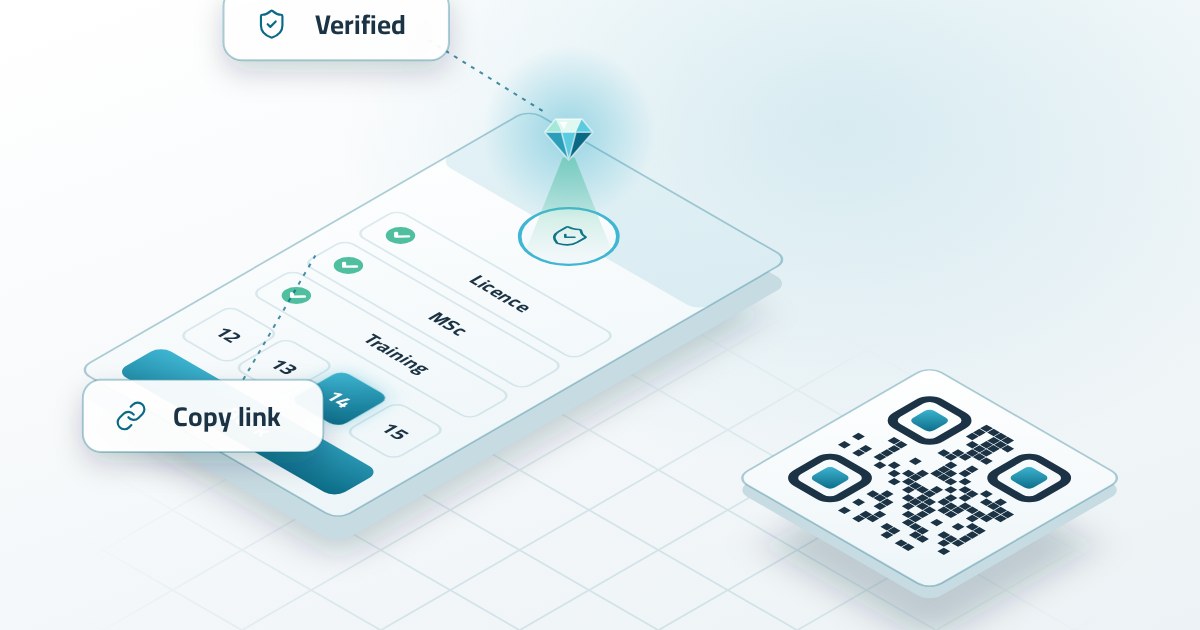
Your page on Gawhr is the booking page itself. A patient reads your introduction and credentials, then picks a place, a session type and a time. Give each part a few minutes before you share the link.
Credentials first
Add a credential from each required group and attach its proof. Once the platform’s team reviews it, it shows “Verified”, so patients can tell what the platform checked from what you only stated.
Ways of working and session types
Add each place you work with its address, and drop its pin on the map. Choose the session types you offer there, set each one’s length and price, and how each block of hours is held: in person, Gawhr room, meeting link or phone call.
Hours
Add your weekly hours, extra dates if you need them, and your time off. The free times on your page are those hours, minus time off and booked appointments.
Then copy your page’s link and send it to your patients, or print the QR code for your office.